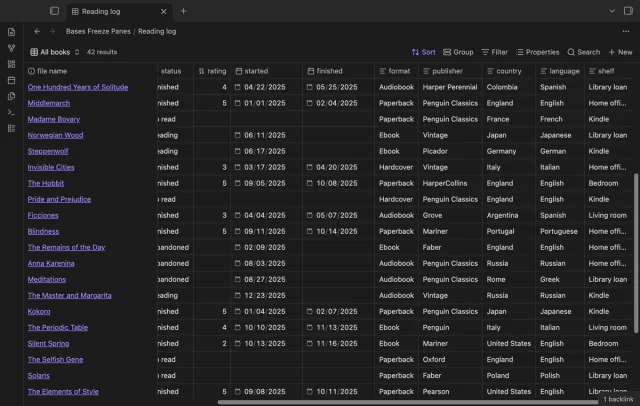
Bases Freeze Panes
Scroll a wide base and the column names and note names stay put, like Freeze Panes in a spreadsheet.
Every core feature is free, and one sponsorship turns on Pro in all 13.
The numbers come from the Obsidian community directory, where all 13 plugins went live on 10 October 2026.
Directory facts fetched from community.obsidian.md/users/theluckystrike.
Views and controls that add to the core Bases plugin.
Scroll a wide base and the column names and note names stay put, like Freeze Panes in a spreadsheet.
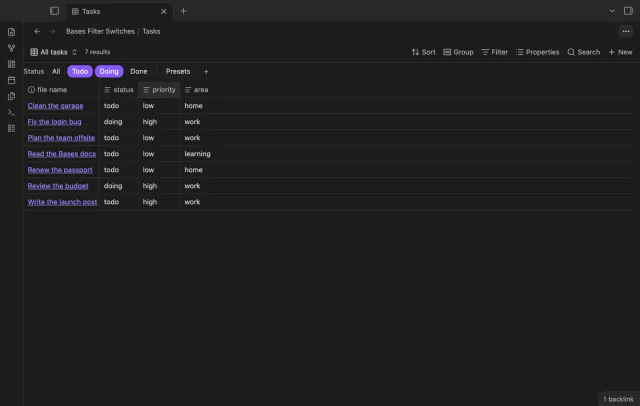
A row of switches under the base toolbar, each one a saved filter you turn on or off with a click.
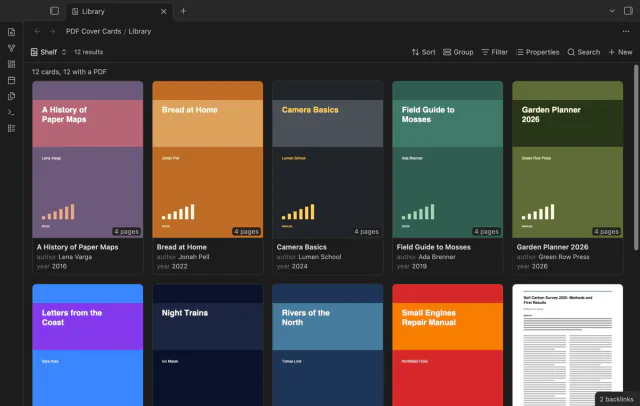
Your base of book and paper notes looks like a shelf, with page 1 of each PDF as the cover.
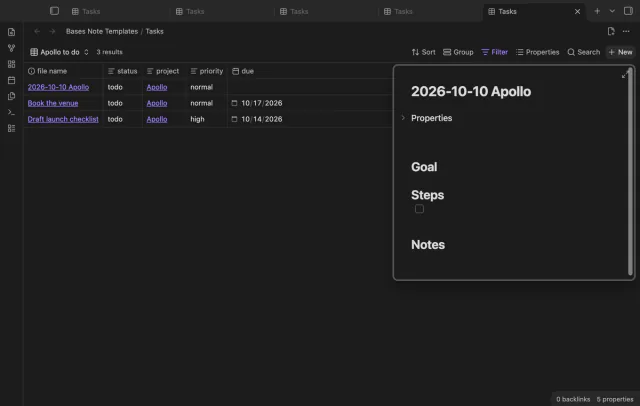
Press New in a base and the note arrives with your template, the filter values, a folder and a name.
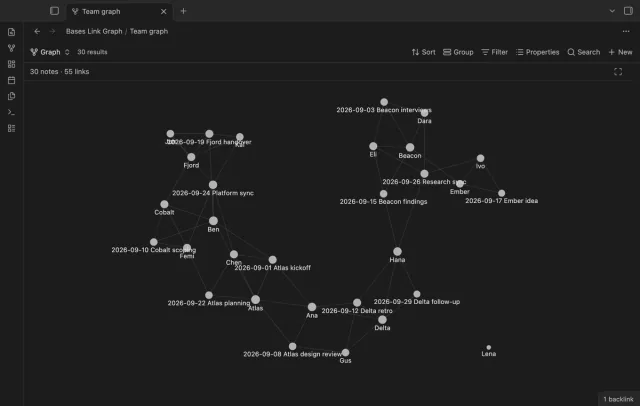
Filter a base, and the graph shows only those notes and the links between them.
Pull rows from many notes into one table you can sort.
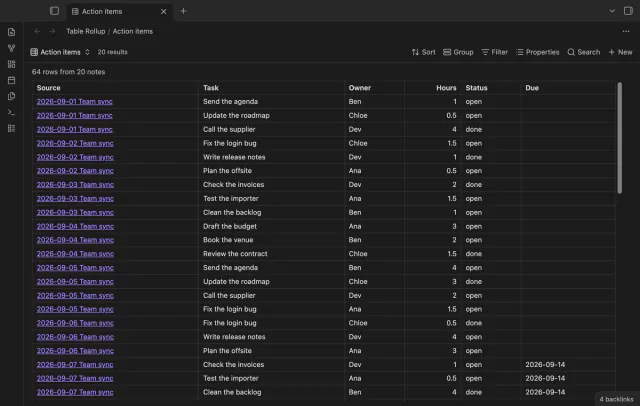
All the rows from the small tables in your notes, in one sortable table that links back to each note.
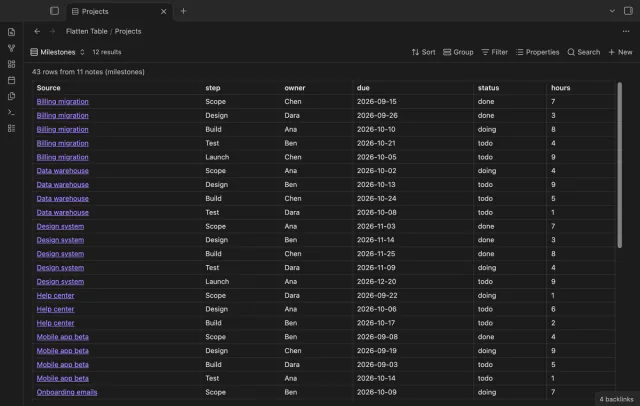
Each item of a list property becomes its own table row in Bases, so one note can give many rows.
Work with tasks and boards from the note or base you're already in.
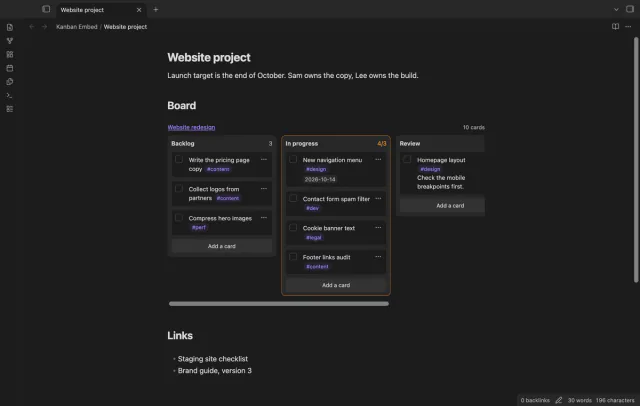
Put a Kanban board in a project page or a daily note and check off cards right there.
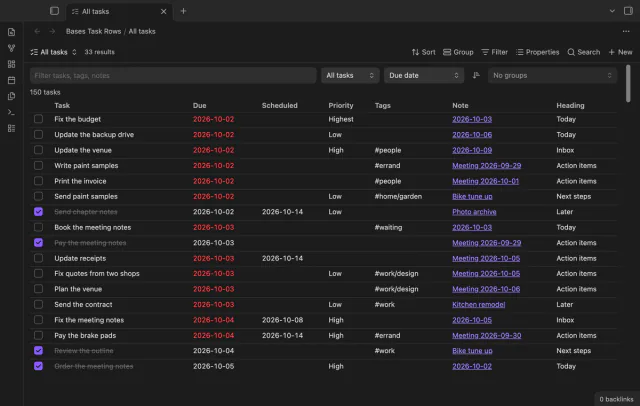
Every checklist task in the notes a base selects, one row each, with a done box you can tick.
Keep links working and see how your notes connect.
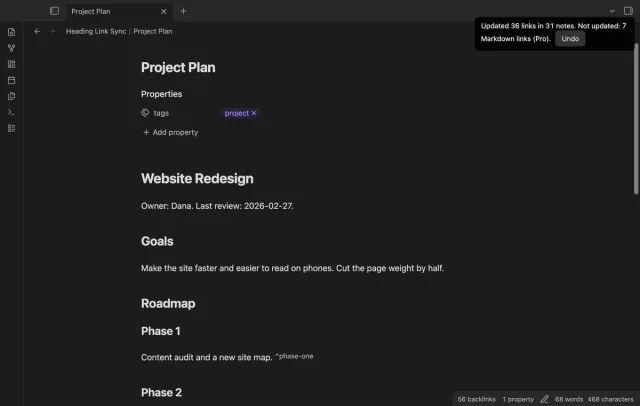
Retype a heading and every link to it in your other notes follows, with no rename dialog.
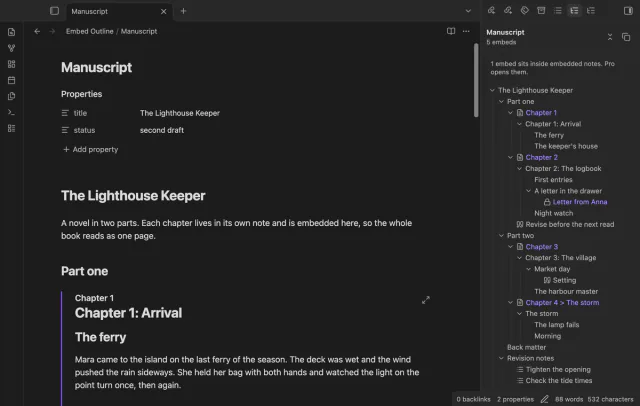
One outline for a note built from embeds, with each chapter's headings under its embed.
Work with files in your vault that aren't Markdown notes.
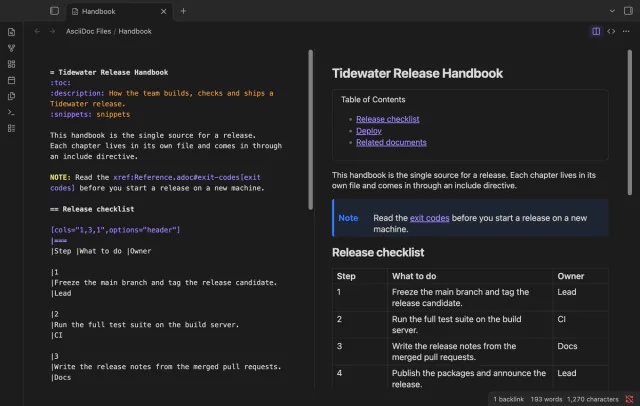
Open .adoc files in Obsidian with a highlighted source editor, a rendered preview, or both side by side.
Find notes by date, link, tag and path.
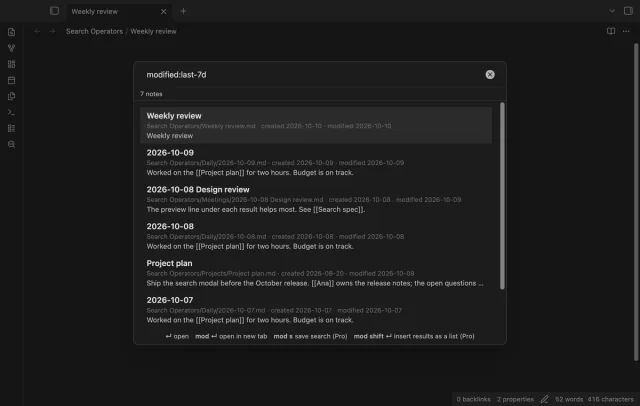
Find a note by when you made or changed it and by what it links to, with a preview line per result.
Sponsor on GitHub for $5 a month, or pay $15 one time. That one sponsorship turns on Pro in every plugin listed here.
Every plugin here is open source under the MIT license, and all 13 passed the Obsidian directory review. The directory rebuilt each release from the public source and got the same file, byte for byte.
No plugin sends anything until you choose to sign in for Pro. Even then it asks GitHub one question about your sponsorship, and it never sends your notes.
Each plugin has a public GitHub repository, so you can read the code before you install it.
All 13 show Review Passed and Health Excellent in the Obsidian community directory.
A plugin makes no network request until you select "Sign in with GitHub" for Pro.
Core features need no account, and they stay free.
Your notes stay readable and editable with or without Pro.