Heading Link Sync
Retype a heading and every link to it in your other notes follows, with no rename dialog.
Find a note by when you made or changed it and by what it links to, with a preview line per result.
MIT · no telemetry · core features free
The tests run on the desktop app only. Report a problem on a phone in the issue tracker.
Directory facts fetched from community.obsidian.md/users/theluckystrike.
People who know when they wrote a note or what it links to, but not its words.
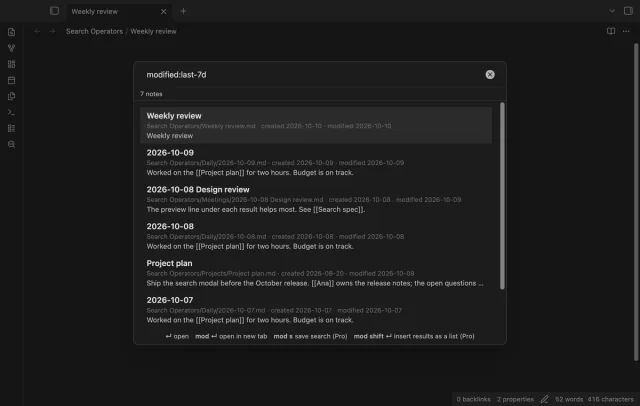
The core search of Obsidian 1.14 has no operator for the date a note was made or changed, and none for links. Search Operators adds them in its own modal, with a preview line for each result. It doesn't change the core search pane.
The date, link, tag, path, file and sort operators are free, with no limit on notes or results. Only Markdown notes are searched.
 Play demo
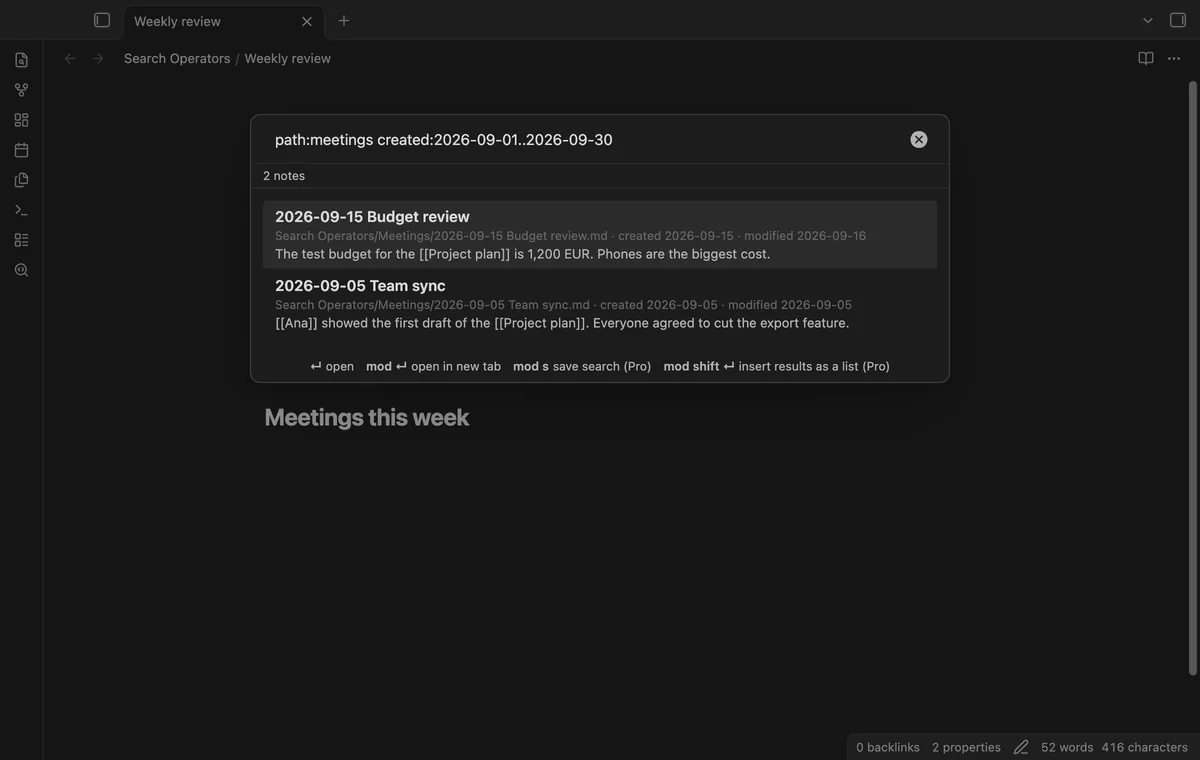
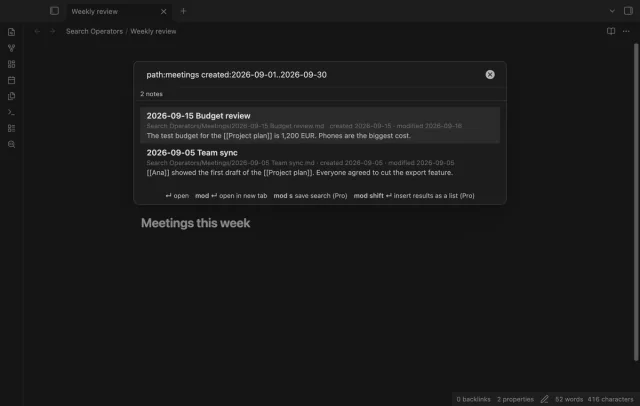
The operators created: and modified: take a day, a month, a year or a range. So created:2026-09 finds the notes of that month, and created:2026-09-01..2026-09-30 includes both end days. Put >, >=, < or <= in front of a date to search after or before it.
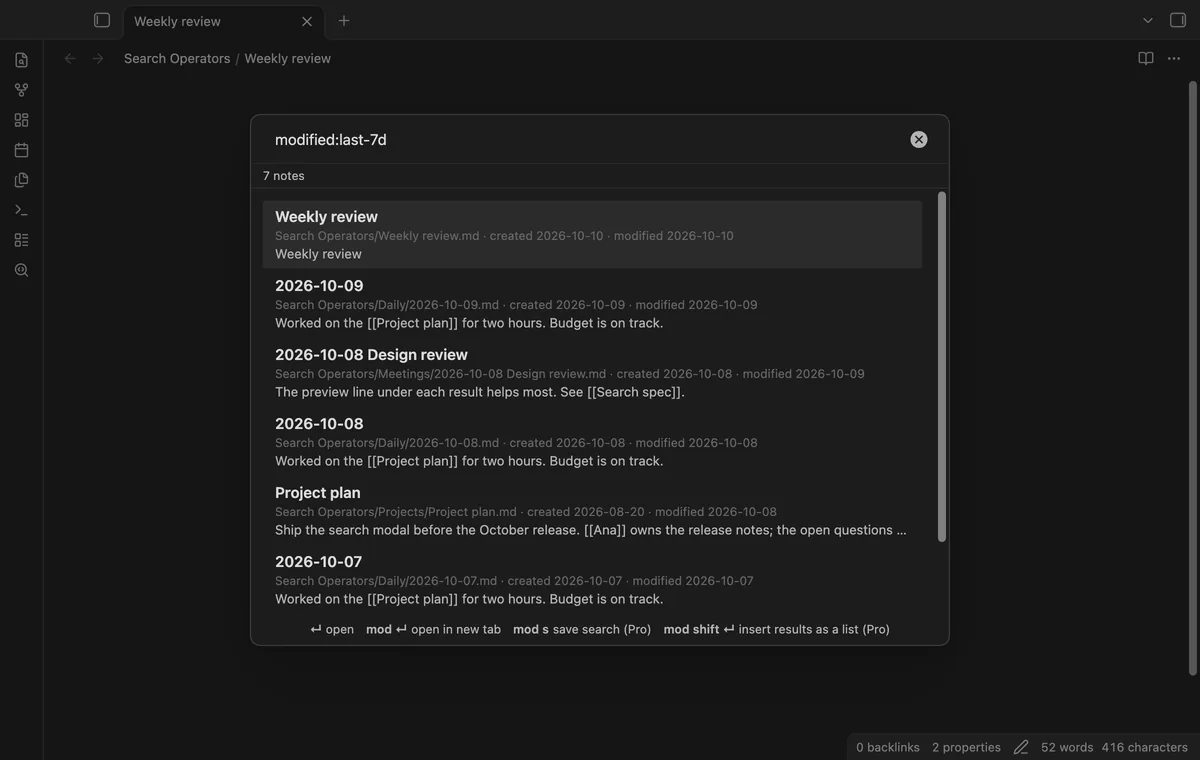

The values last-7d, last-2w, last-3m and last-1y count back from now, and today and yesterday work too. So modified:last-7d lists the notes you changed this week, newest first.
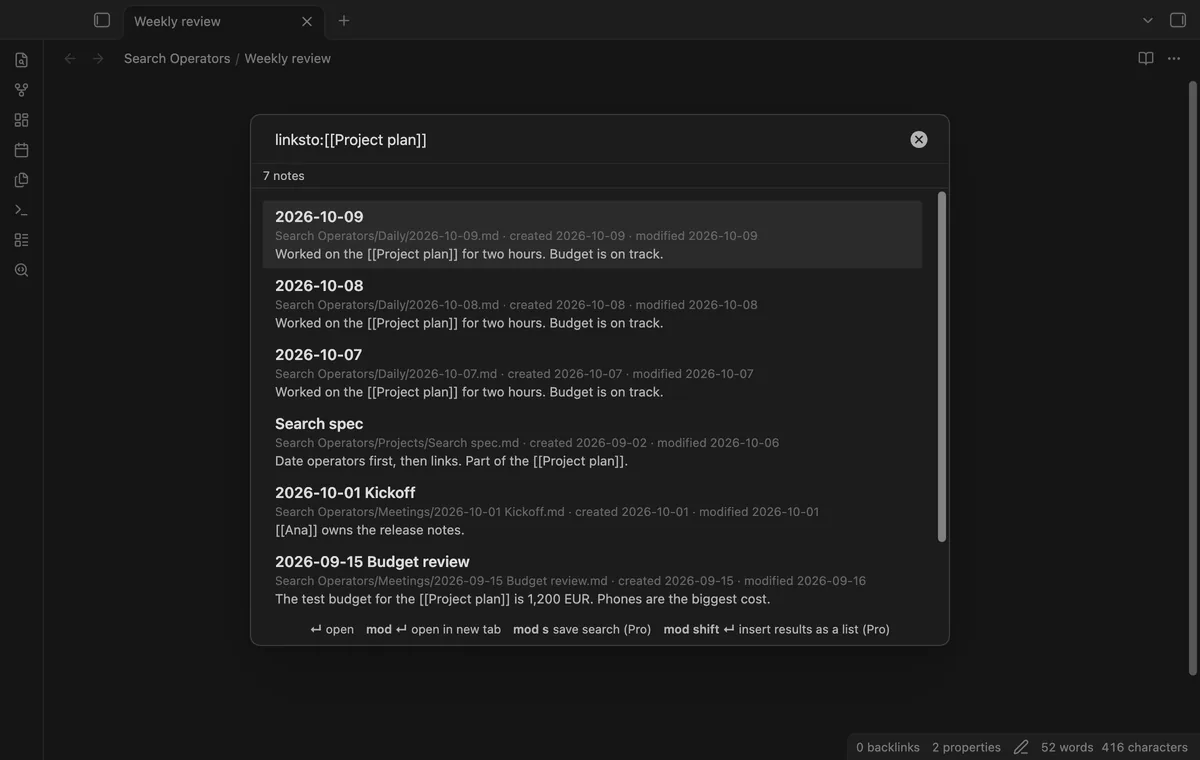
The operator linksto:[[Project plan]] lists every note that links to Project plan, the same list as its backlinks. Type the name with or without brackets, with a folder, an alias or a heading. A command opens the modal with this operator filled in for the current note.
![The query linksto:[[Project plan]] with 7 notes that link to Project plan.](/img/search-operators/links-to-640.fdc64d64.webp)
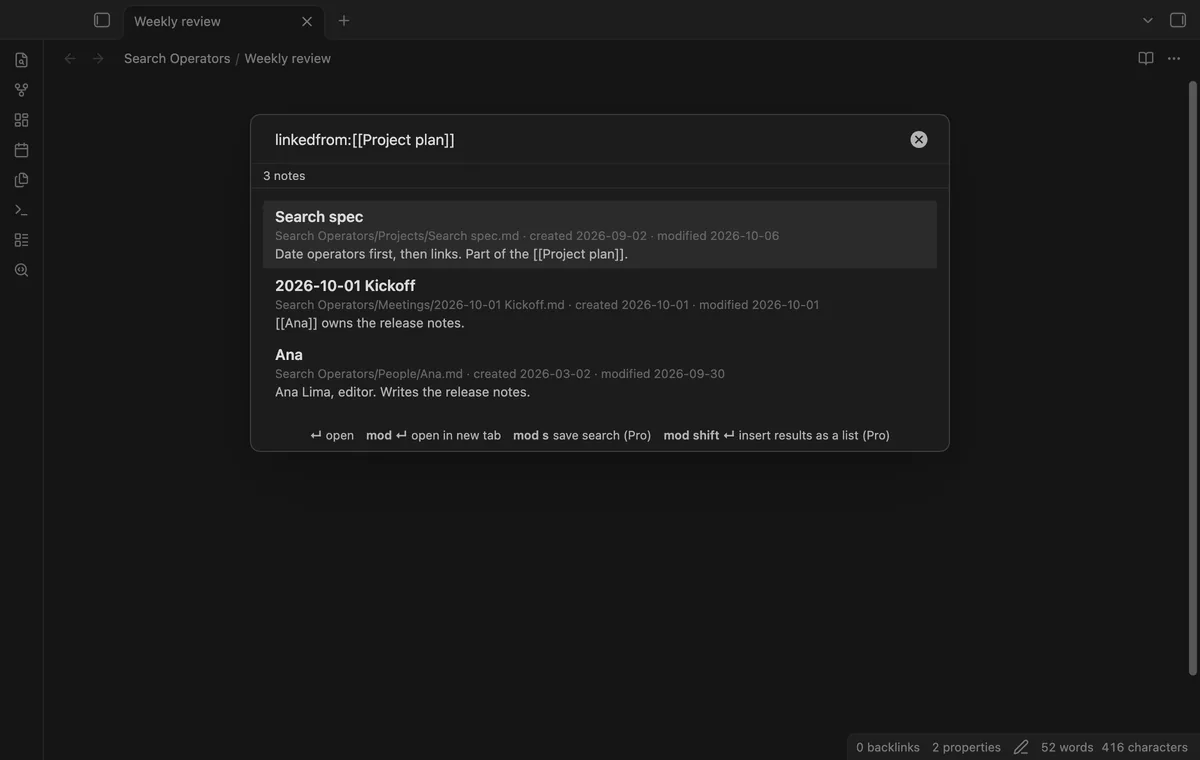
The operator linkedfrom:[[Project plan]] lists the notes that Project plan links to. Add more operators to narrow the list, for example linkedfrom:[[Project plan]] tag:#person.
![The query linkedfrom:[[Project plan]] with the 3 notes that Project plan links to.](/img/search-operators/linked-from-640.65eeaa26.webp)
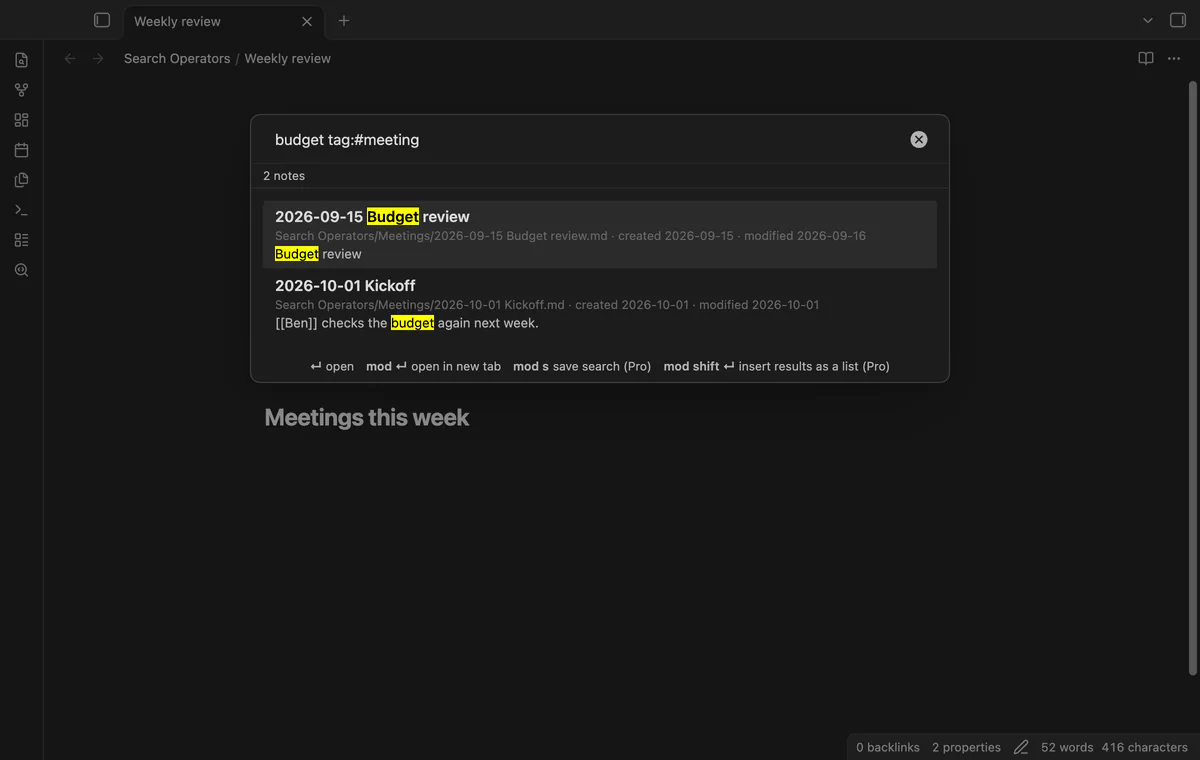
Plain words must all appear in the title, the path or the text of the note, and a title match ranks first. Each result shows the path, the created and modified dates, and one line of the note. The operator tag:project also finds nested tags such as #project/search.
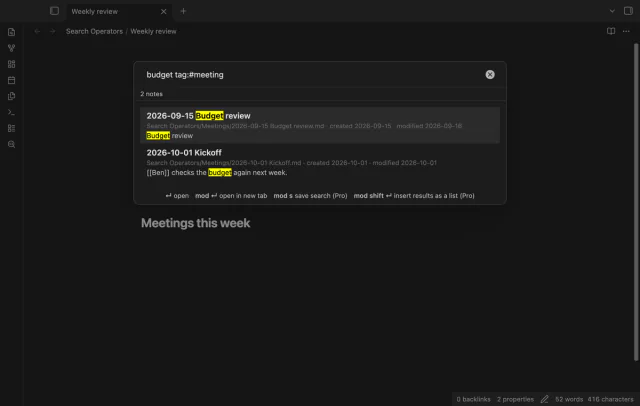
Pro costs $5 a month or $15 one time through GitHub Sponsors. One sponsorship turns on Pro in all 15 plugins.
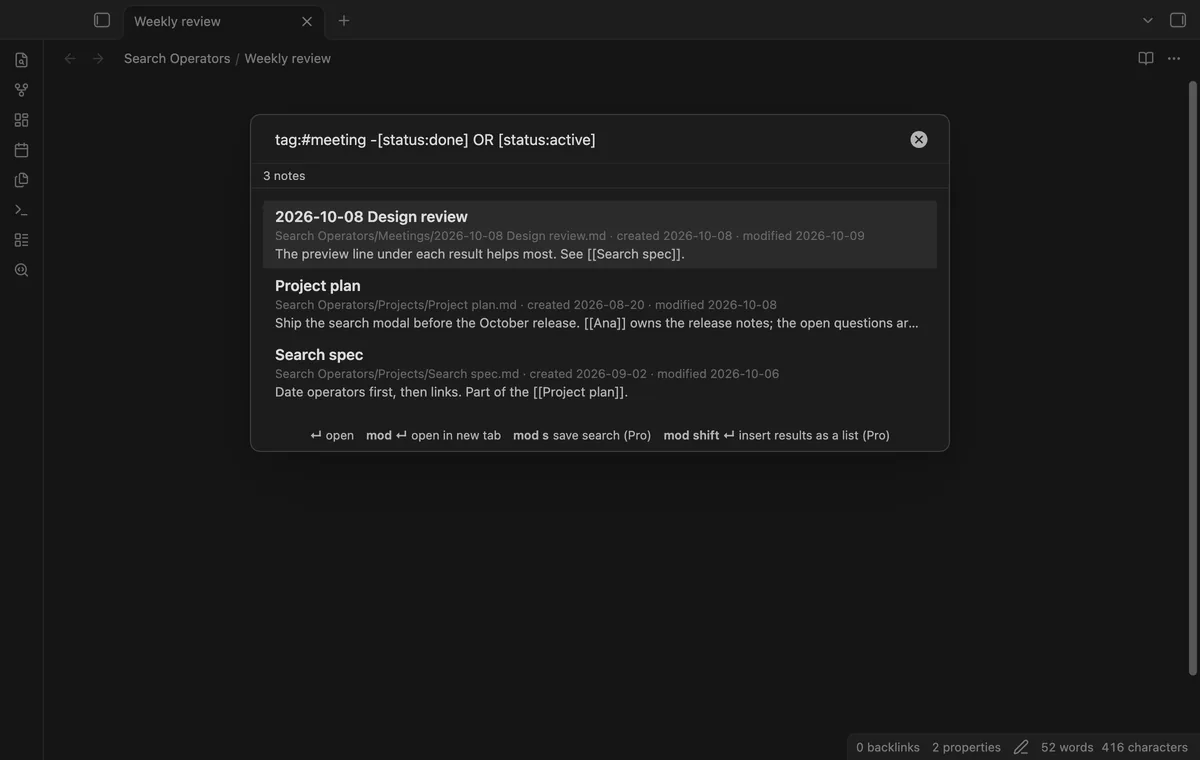
Put OR between two groups to match either one. Put - in front of an operator or word to exclude it, as in path:meetings -tag:finance. Property operators test frontmatter, such as [status:done] or [priority:>5].
![The query tag:#meeting -[status:done] OR [status:active] with 3 notes in the list.](/img/search-operators/pro-or-not-640.c40a3ccb.webp)
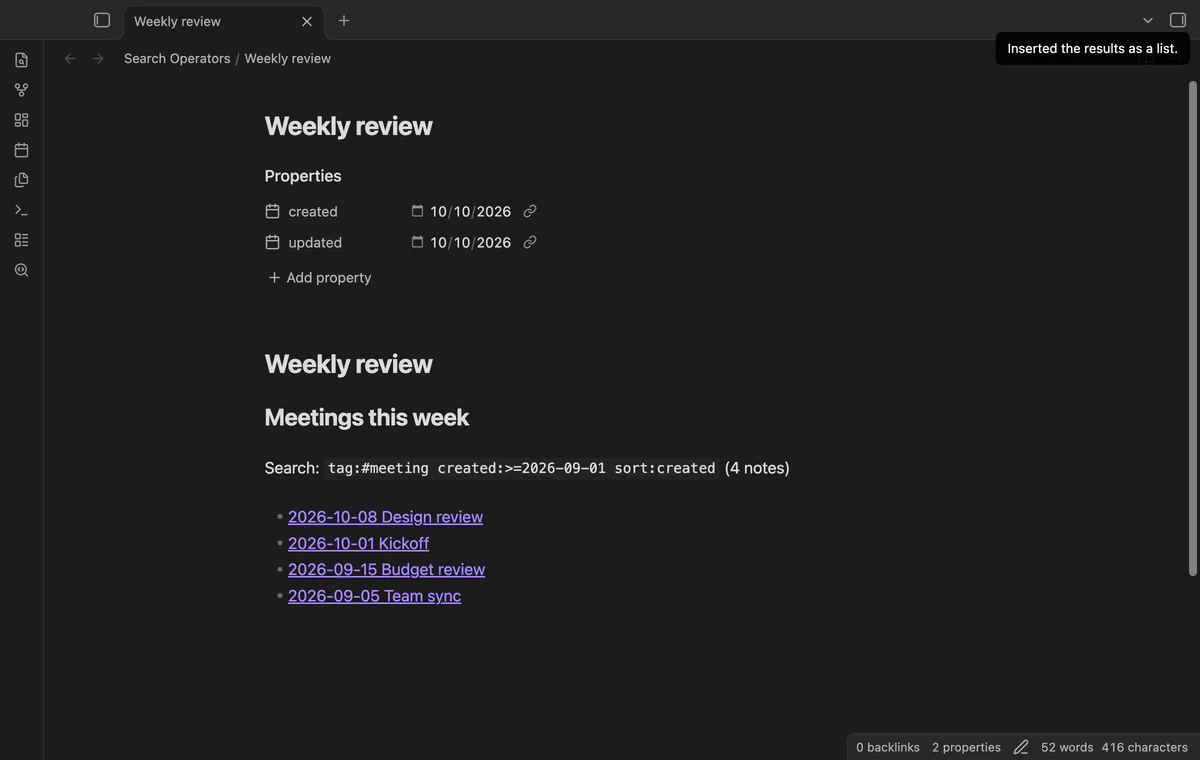
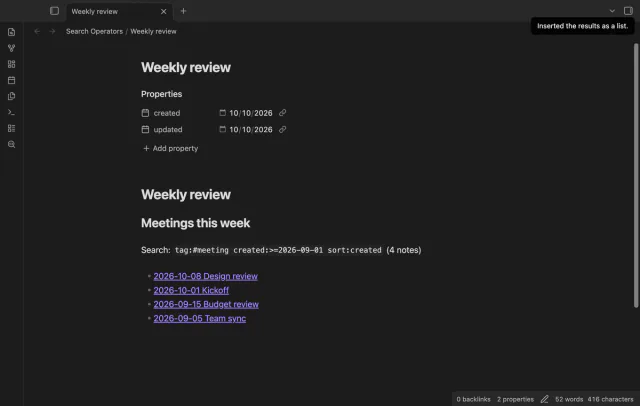
Press Ctrl or Cmd + Shift + Enter in the modal. The plugin writes the results into the active note at the cursor, as a list of wiki links with the query above it. If no note is in edit mode, the list goes to the clipboard.
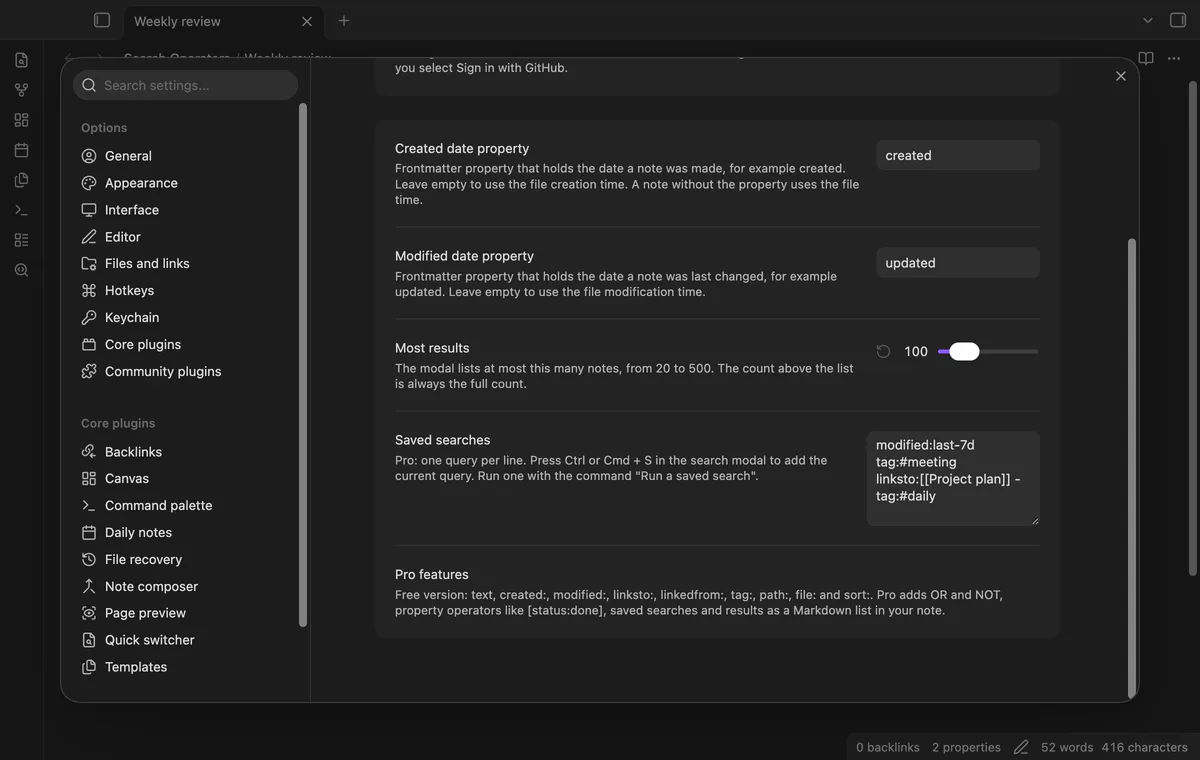
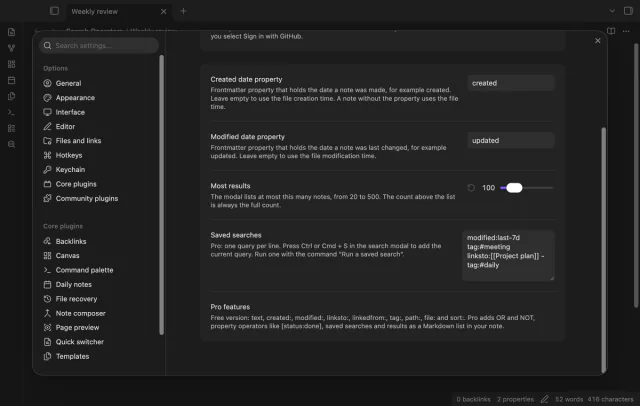
Press Ctrl or Cmd + S in the modal to save the query. The command Run a saved search lists them. They're plain text in the settings, one per line, so you can edit them there.
needs
steps
Open the command palette and run Search notes with operators, or select the search icon in the ribbon.
Type words and operators. Spaces separate them, and every part must match.
Use the arrow keys to pick a note, then press Enter to open it.
Two requests on the Obsidian forum ask for these operators, one for dates and one for links. The requests have 100 votes.
The core search of Obsidian 1.14 has no date operator. Search Operators adds created: and modified: in its own modal. They take a day, a month, a year, a range or a relative value such as last-7d.
Sync tools and copies can reset the file creation time. Put the date in a property and set its name in the settings. A note without the property uses the file time.
No. The date, link, tag, path, file and sort operators have no limit on notes or results. Without Pro, a query with a Pro part lists nothing, and the status line names that part. You never get results that silently ignore part of your query.
It should. The plugin isn't marked desktop only, and the modal uses the same suggestion list as the quick switcher. The tests run on the desktop app only, so report a phone problem in the issue tracker.
No. Only Markdown notes are searched.
Search Operators makes no network requests until you select Sign in with GitHub. Sign in uses the GitHub device flow and the read-only scope read:user. After that, one query about your sponsorship goes to the GitHub API at most once every 7 days, with no vault data.
Search Operators 1.0.0, MIT license
MIT · no telemetry · core features free
Retype a heading and every link to it in your other notes follows, with no rename dialog.
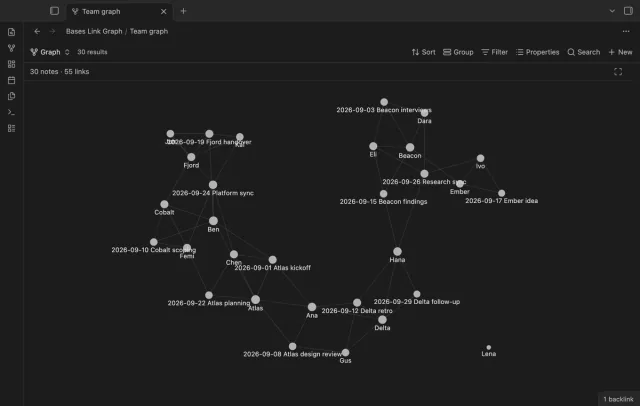
Filter a base, and the graph shows only those notes and the links between them.