Bases Filter Switches
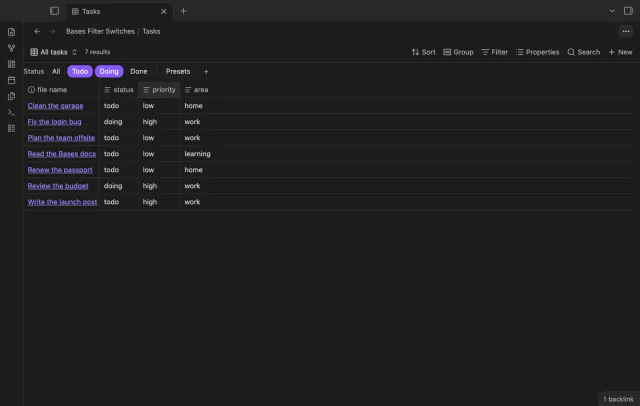
A row of switches under the base toolbar, each one a saved filter you turn on or off with a click.
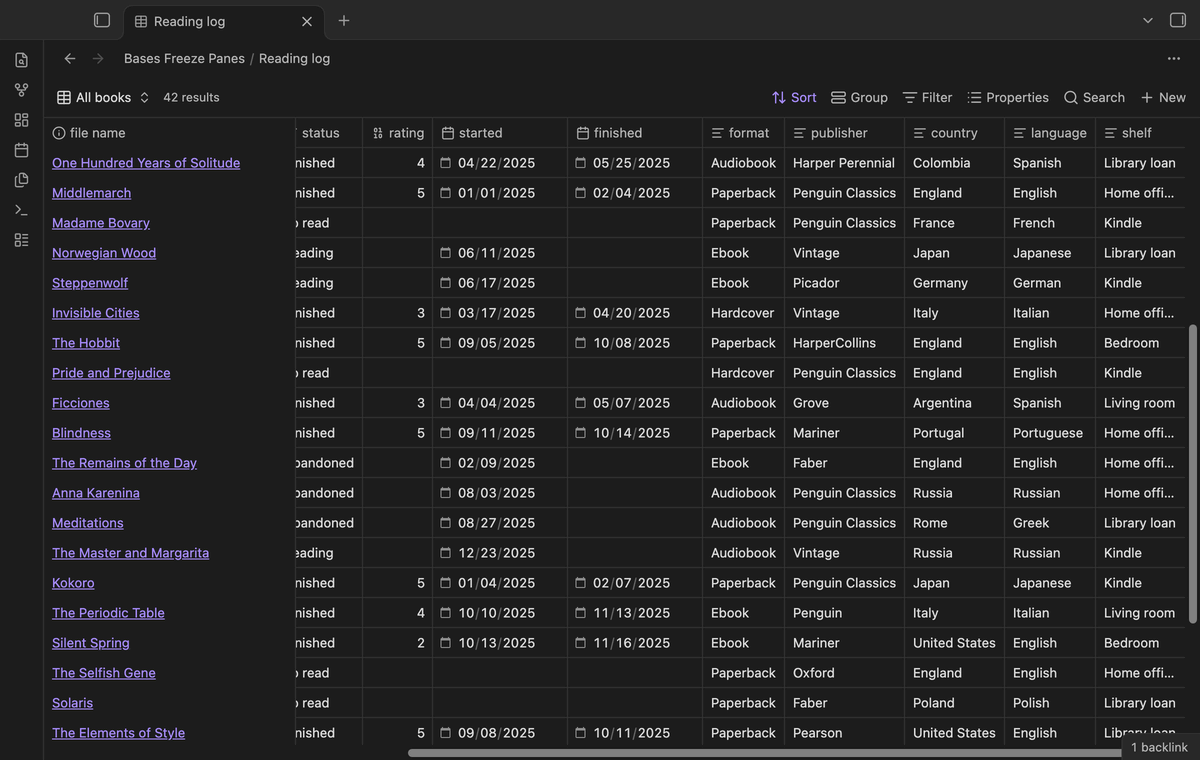
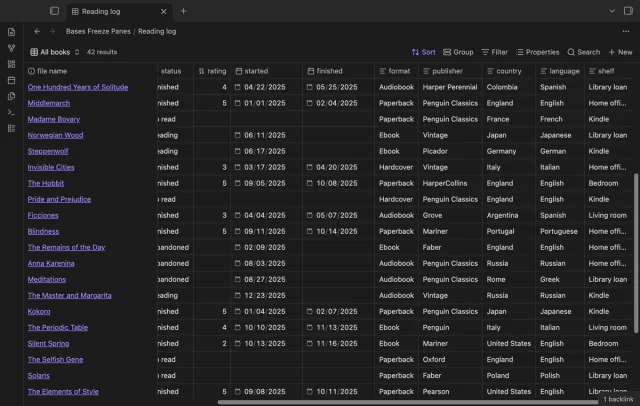
Scroll a wide base and the column names and note names stay put, like Freeze Panes in a spreadsheet.
MIT · no telemetry · core features free
Tested on desktop with Obsidian 1.13.4 and 1.14.4.
Directory facts fetched from community.obsidian.md/users/theluckystrike.
You have a base with more columns or rows than fit on the screen and lose track of which row you're editing.
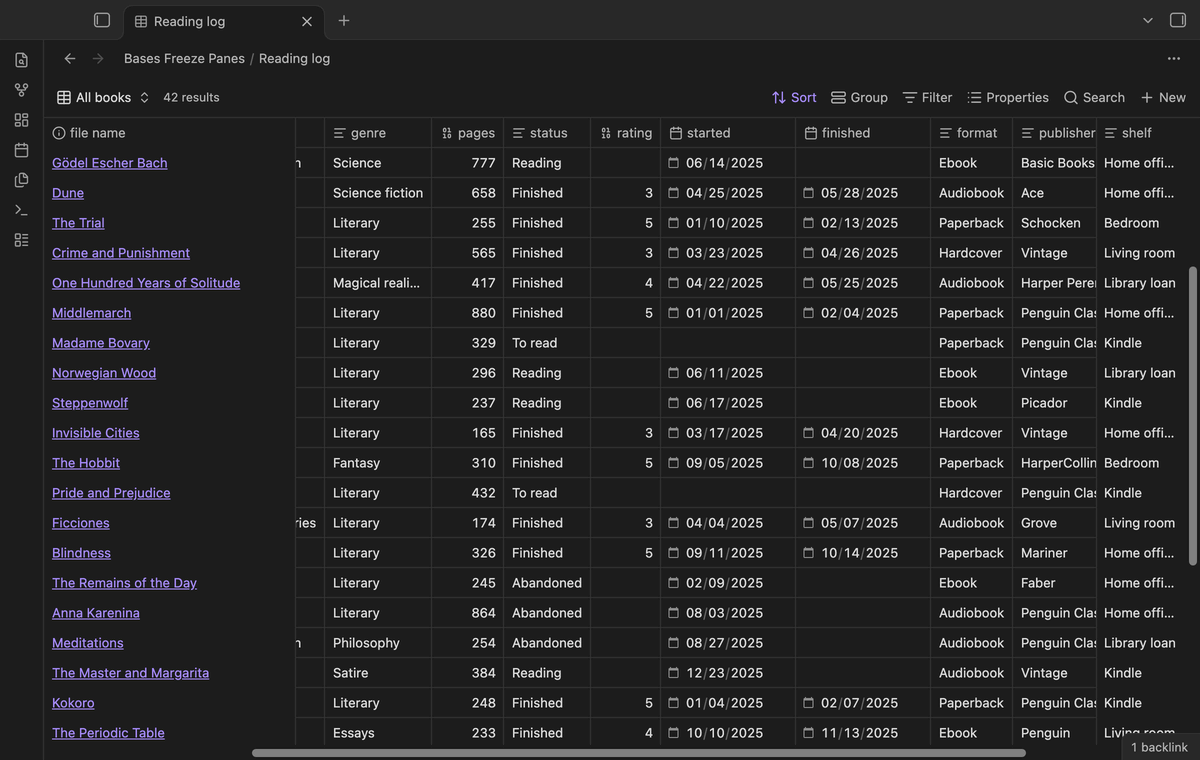

Scroll down and the column names stay at the top. Scroll to the right and the note names stay on the left, so you always know which row you're editing. It works in base files, in bases embedded in notes and in base code blocks.
The plugin changes how the table looks on screen and nothing else. Your notes and base files stay exactly as they are.
 Play demo
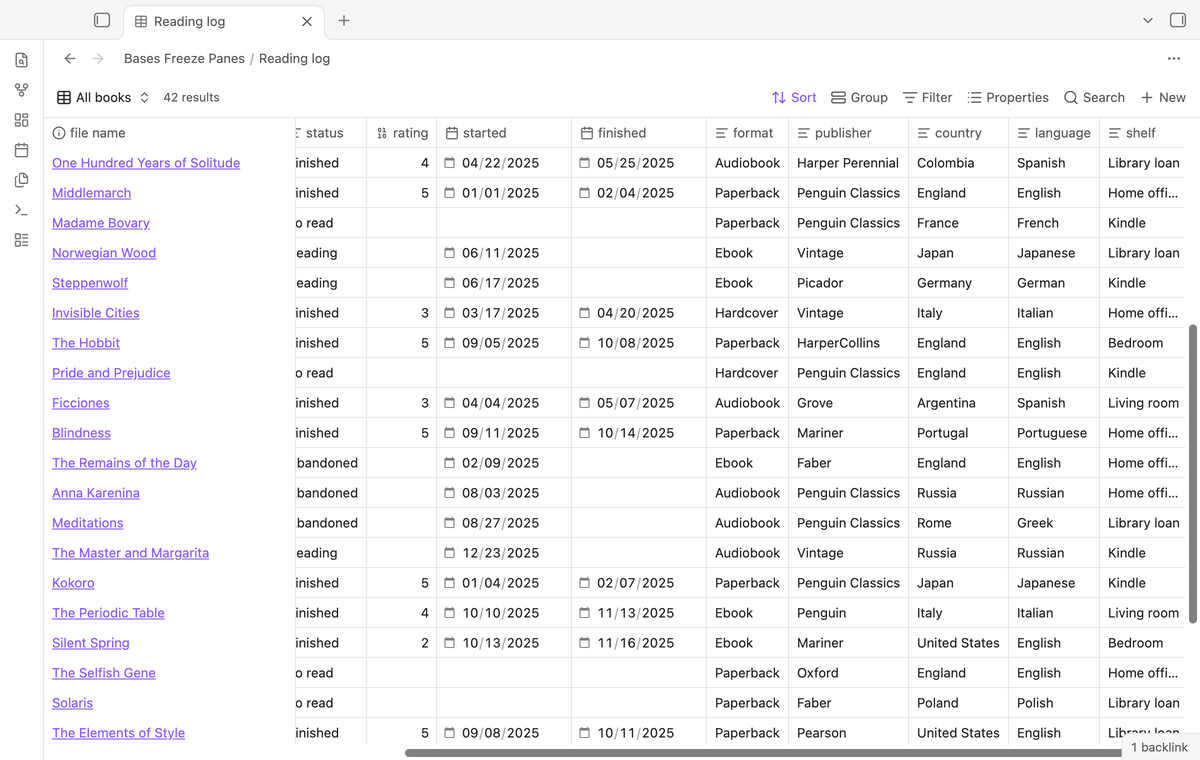
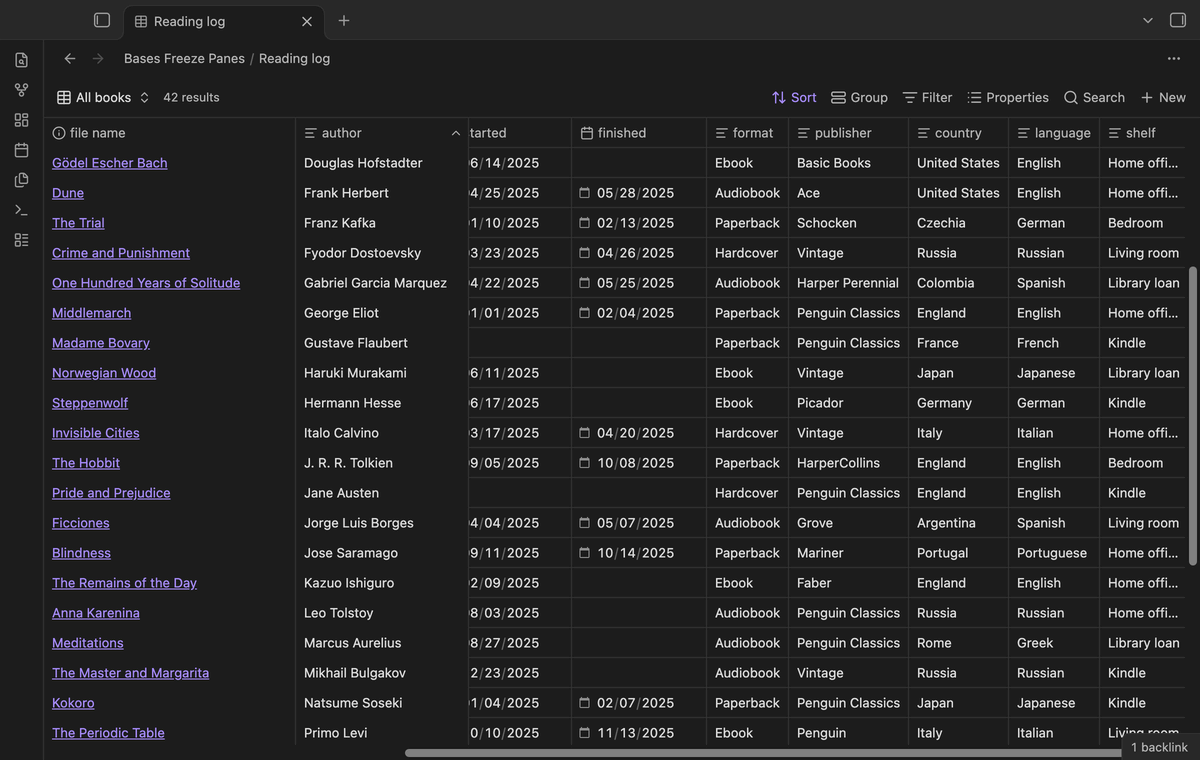
Open a base file with more columns than fit on the screen and scroll to the right. The first column stays where it was, and a thin line marks its edge. The header row gets a solid background, so rows never show through it.
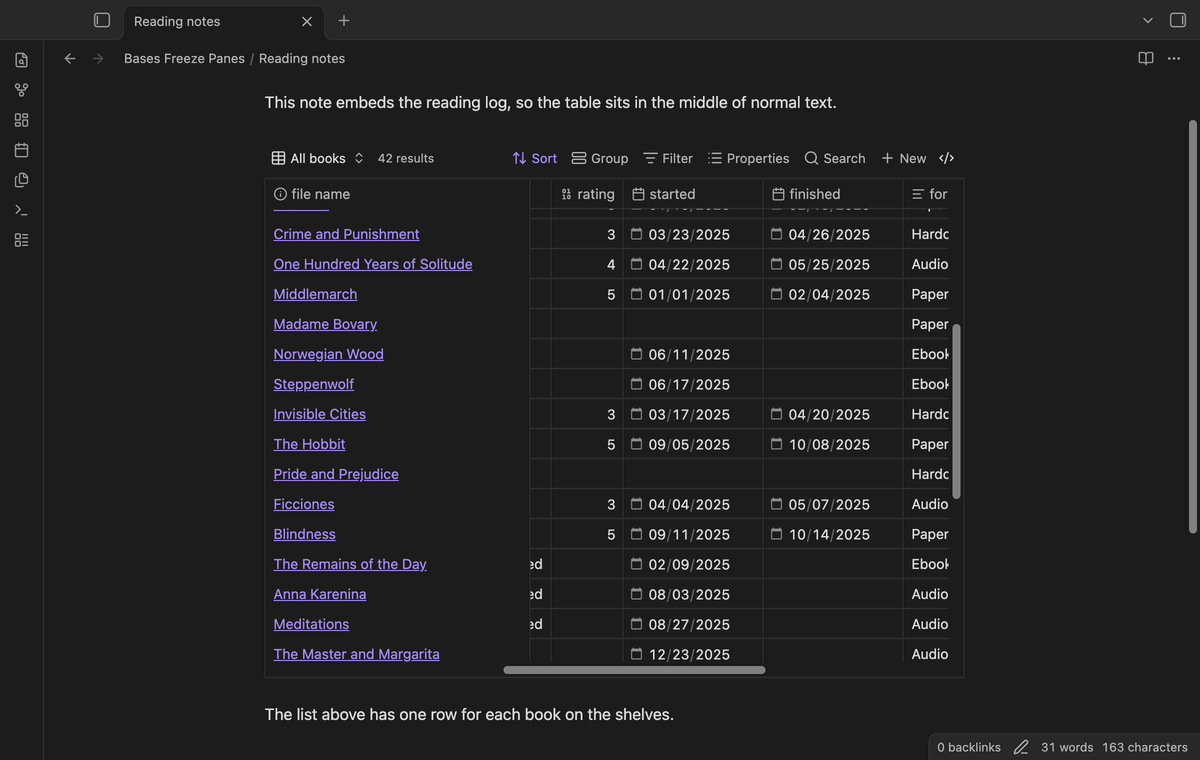
A base embedded in a note normally grows to the full height of its rows, so the note scrolls and the header scrolls away. The plugin gives embedded tables a maximum height, 500 pixels by default. A taller table scrolls inside this box, and its header sticks to the top.
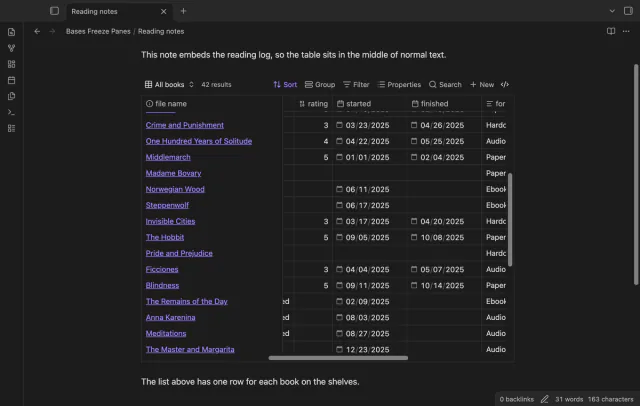
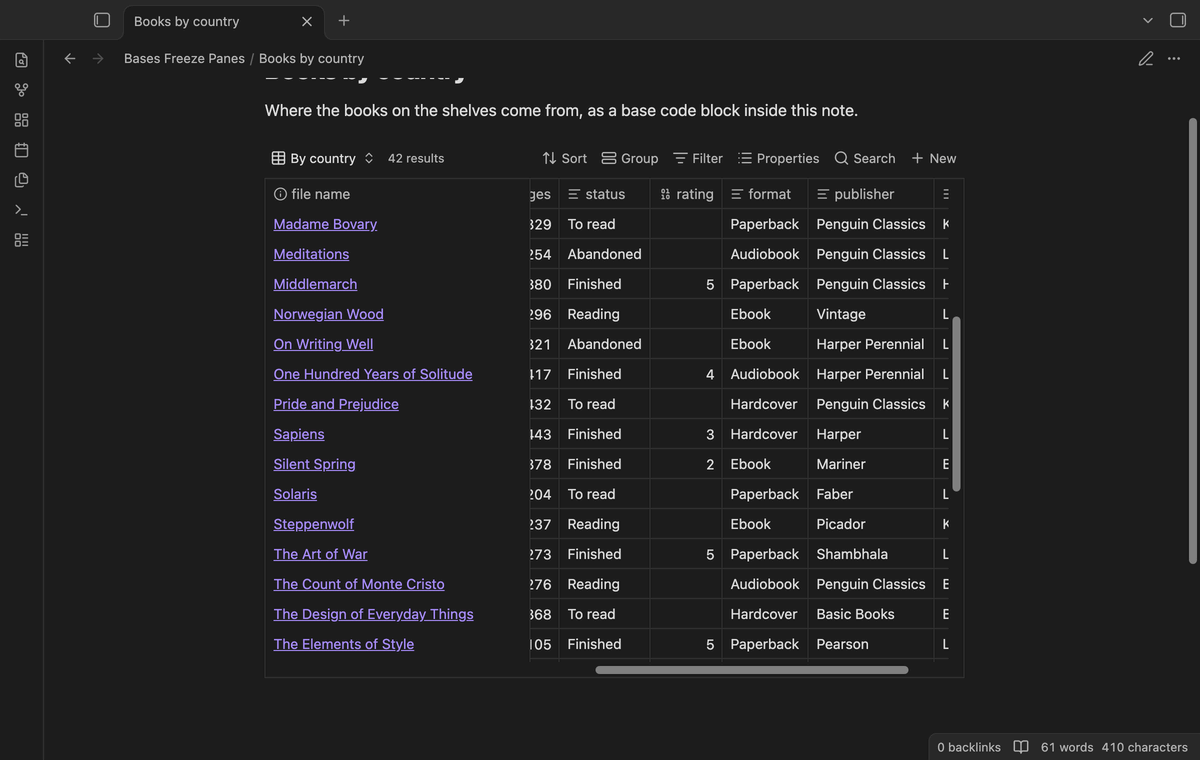
Freezing works wherever a table view of a base shows up in a note. That covers embedded base files, base code blocks, live preview and reading view.
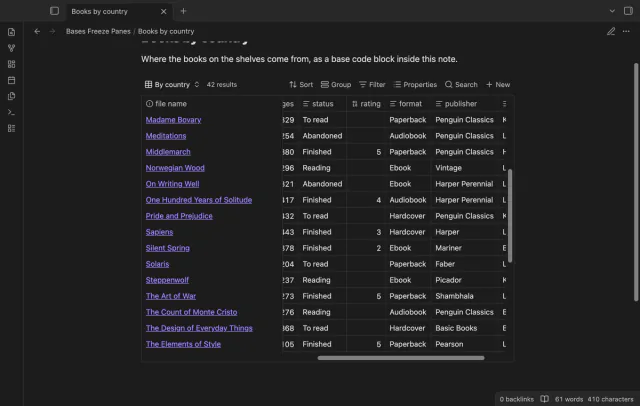
Frozen cells must cover the cells that slide under them. The plugin paints them with the background colors of your theme, for normal rows, the header, the hovered row and the summary rows.
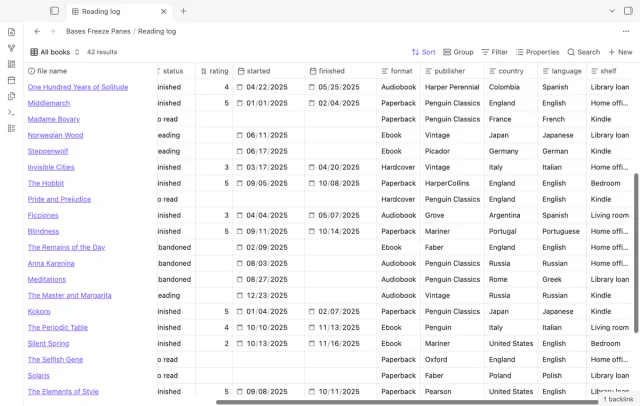
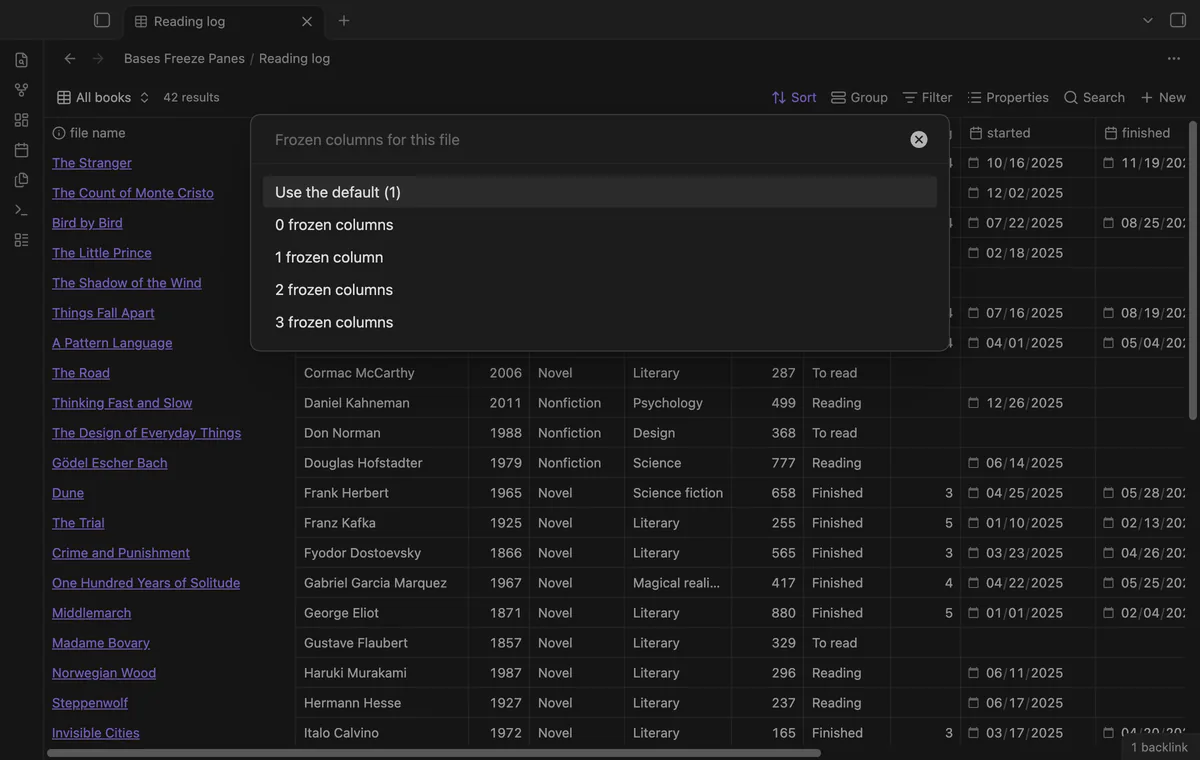
The command "Turn frozen panes on or off for the current file" is free and changes one base or note only. A second command sets 0 to 3 frozen columns for one file, and that one needs Pro. The plugin stores each choice under the file path and moves it when you rename the file.
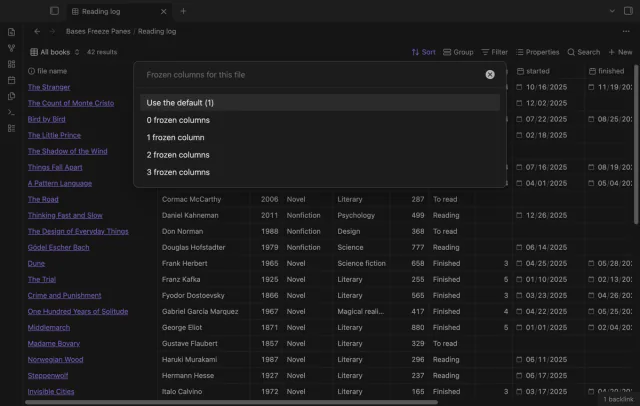
The free version freezes the header row and one column.
Pro costs $5 a month or $15 one time through GitHub Sponsors. One sponsorship turns on Pro in all 15 plugins.
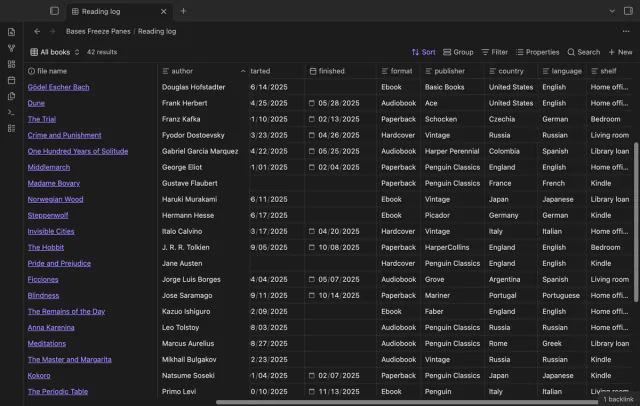
Freeze 2 or 3 columns, for example the file name and the author of a book. Each frozen column keeps its own width and place. To choose which columns come first, change the column order in the base.
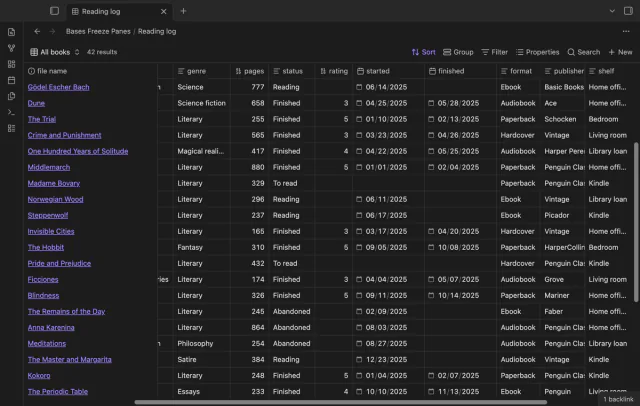
Turn on "Freeze the last column" and the last column stays at the right edge of the table. The middle columns scroll between the frozen columns. Use it for a status, a total or a due date.
needs
steps
Turn on the plugin. Every table view of a base now has a frozen header row and one frozen column.
Open a wide base and scroll down and to the right.
To compare with the normal table, run the command "Turn frozen panes on or off", and run it again to turn freezing back on.
For Pro, sponsor on GitHub, then open the settings and select "Sign in with GitHub".
Three forum requests ask for frozen columns and headers in Bases, with 81 votes in total. The largest, topic 101429, has 39 votes, and two people there say their CSS workarounds failed.
The core table draws only the cells that are in view, to stay fast with large bases. After you scroll right, the cells of the first column no longer exist on the page. The plugin tells the table to keep the frozen cells, and then pins them.
No. It writes only its own settings file, data.json in the plugin folder.
The Bases table has no public interface for this, so the plugin checks that the table looks as expected before it changes anything. If a future update changes the table, the columns are no longer frozen and the settings tab says so. The header row keeps working.
No. Only table views have rows and columns to freeze.
The core app draws that outline in a separate layer that doesn't know about frozen columns. You can still click and edit the cell.
Until you select "Sign in with GitHub" in the settings, Bases Freeze Panes makes no network requests. After sign in, it asks GitHub whether your account sponsors theluckystrike, at most once every 7 days or when you select Refresh. It sends no note content or file names, and the GitHub token stays in the secret storage of Obsidian on your device.
Bases Freeze Panes 1.1.1, MIT license
MIT · no telemetry · core features free
A row of switches under the base toolbar, each one a saved filter you turn on or off with a click.
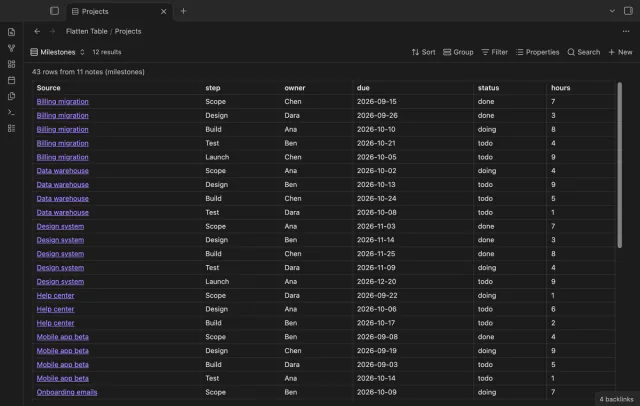
Each item of a list property becomes its own table row in Bases, so one note can give many rows.
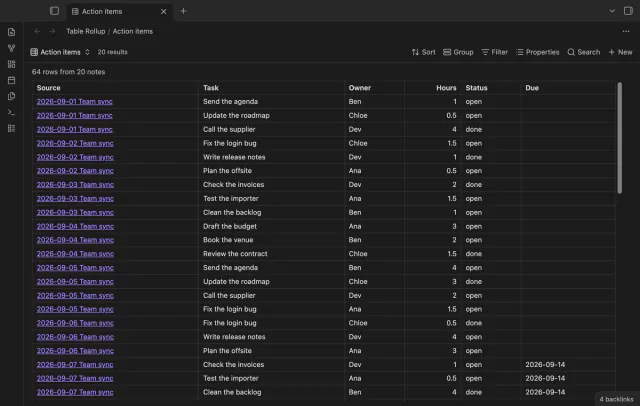
All the rows from the small tables in your notes, in one sortable table that links back to each note.
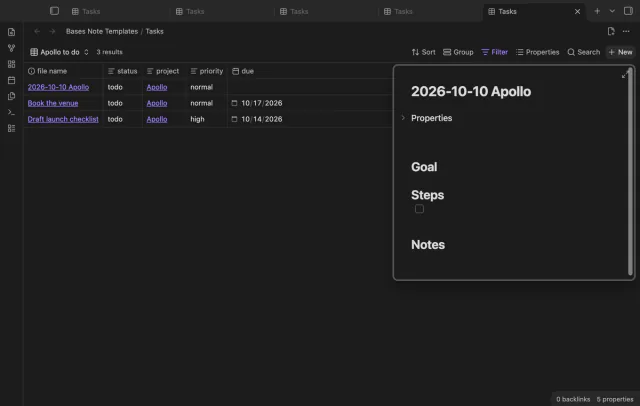
Press New in a base and the note arrives with your template, the filter values, a folder and a name.